Start from what must be scanned, not the scanner price
Scanner prices differ mainly on 2D capability, read distance, and connectivity. Before comparing models, write down what has to be read and where the operator stands when reading it.
1D and 2D differ in how much data they carry
| Code | Typical data | Notes |
|---|---|---|
| 1D linear: Code 128, EAN, ITF | Item number or document reference | Can be printed larger and read from further away |
| 2D: QR, DataMatrix, PDF417 | Item number plus lot, serial, and expiry | Enables paperless workflows and full traceability |
| Stacked: GS1-128 | Multiple application identifiers | Widely used on logistics and pallet labels |
Read distance has to come from the real work area
- Contact to 15 cm: receiving, issuing, and confirming items one at a time.
- 30 to 70 cm: scanning cartons on hand to chest height shelves, often paired with a tablet.
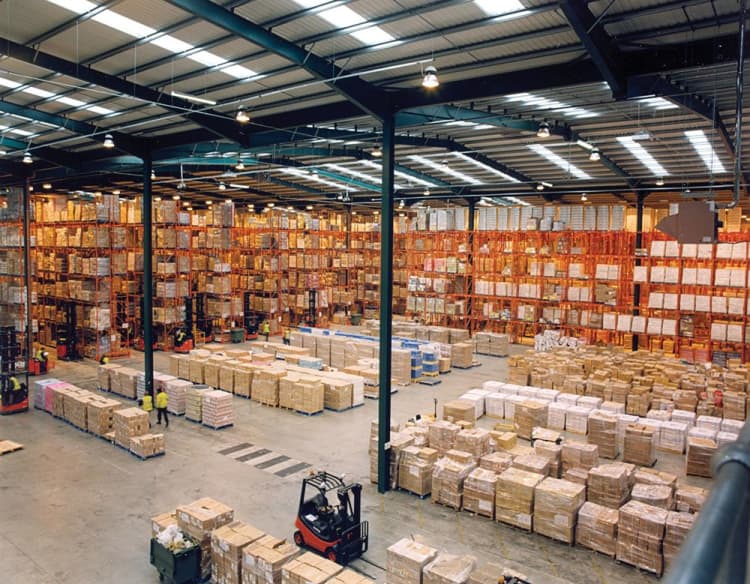
- 3 to 10 m: pallet labels on forklifts and labels on high racking.
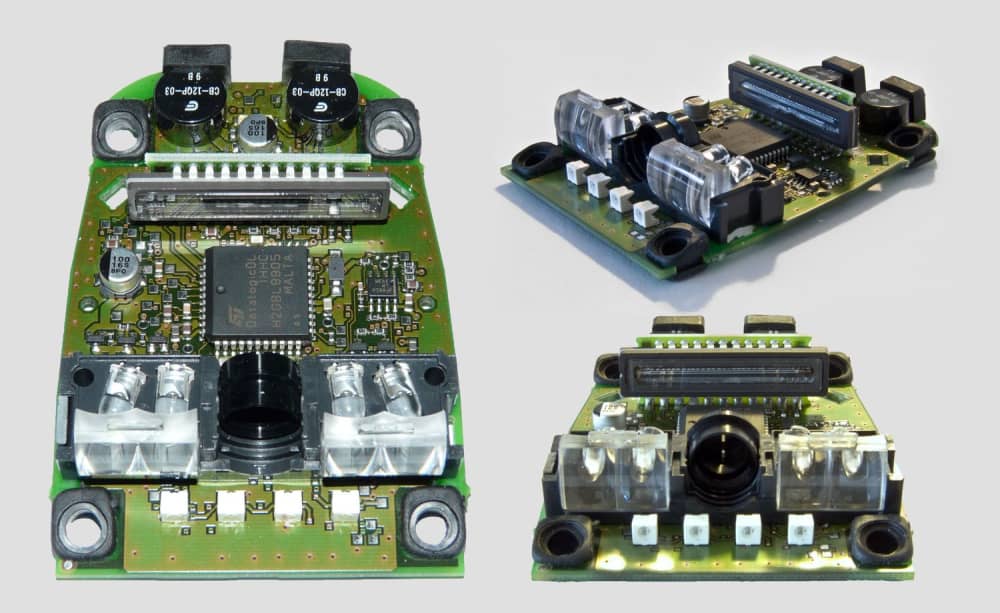
Lens choice matters as much as the model. High density lenses are needed for very small codes up close, while long range lenses are needed for high rack work.
Connectivity and environment
- USB or serial: fixed stations connected to a computer, such as goods-in desks and packing points.
- Bluetooth or Wi-Fi: operators moving through the warehouse, where battery life per shift becomes a decision factor.
Also confirm the IP rating for water and dust, and check the operating temperature. Cold store work needs a device rated for sub-zero operation rather than a standard office model.
Trial the device on the real job
Mount the candidate scanner in the workflow, measure failed reads and time per transaction for a week, and compare against the current process before committing to a fleet purchase.